
- New feature: Added Visual Edit Mode for the Flex Grid.
Flex Grid layouts can now be edited directly on the workspace. Select a Flex Grid and choose Visual Edit Mode from the Ribbon or menu to switch to the new interactive Grid Edit Mode. The workspace displays the grid structure with dashed track lines, track-size labels, empty-cell markers, and color-coded sections so the layout is easy to understand at a glance.
In Visual Edit Mode, you can create new sections by clicking and dragging across empty cells. Existing sections can be moved by dragging them to another position, resized from the bottom-right corner, or removed using the delete button shown on the section. Changes are saved back to the grid template automatically when you leave edit mode.
To help prevent layout mistakes, the editor shows a live preview while dragging or resizing sections. If the target area overlaps another section or falls outside the grid, the preview is highlighted in red and the change is not applied when you release the mouse.
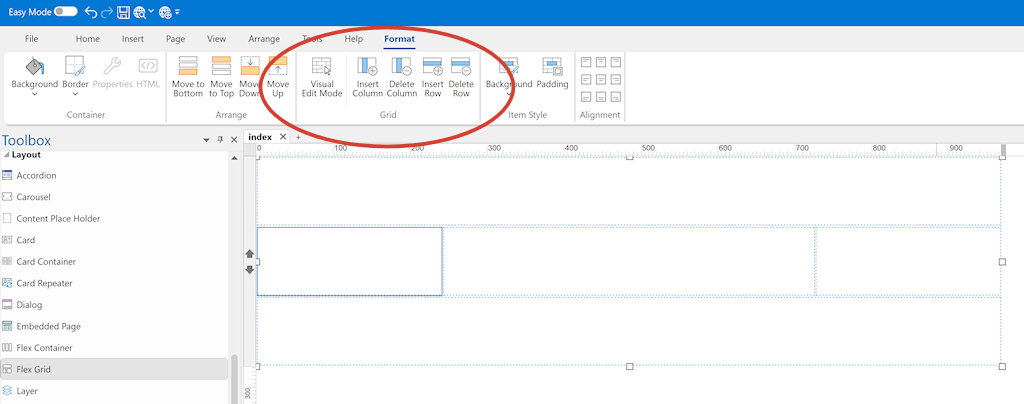
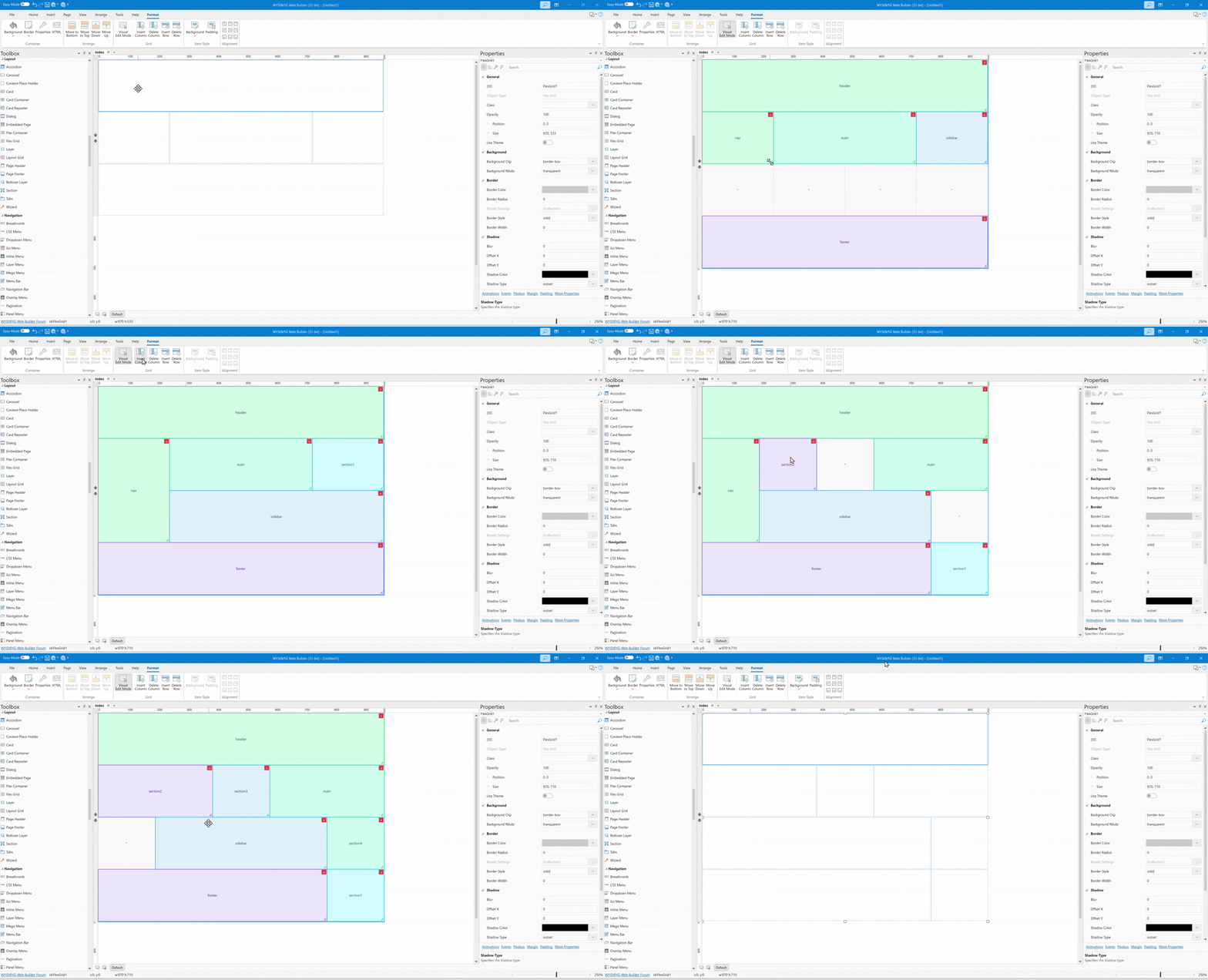
- New feature: Added the ability to add and remove columns to Flex Grids via the Ribbon.
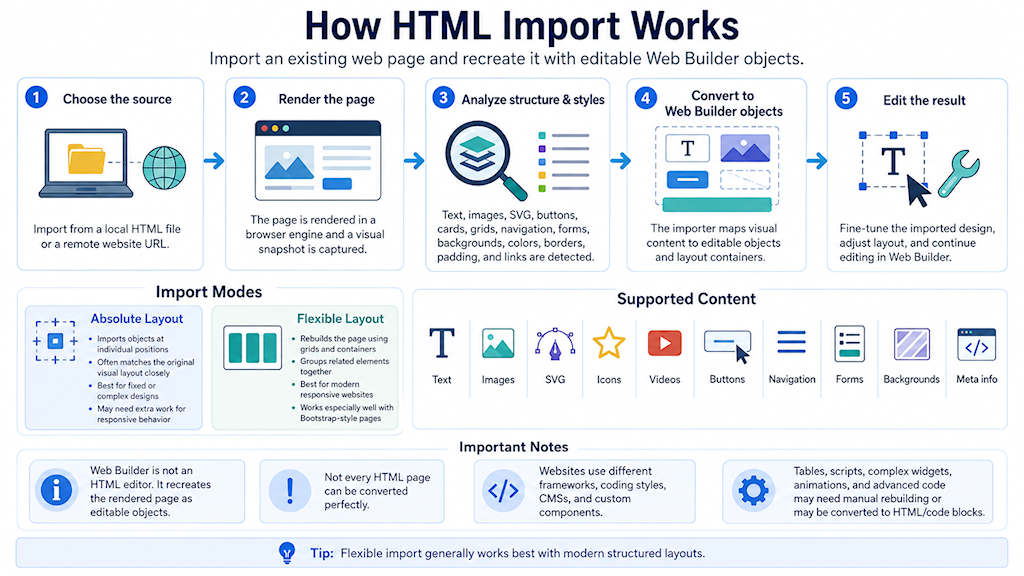
- New feature: Added a new Flexible Layout option to Import HTML, allowing imported pages to be converted into responsive layout grids where possible. The HTML importer has also been significantly improved with a new import engine, better support for modern CSS, Bootstrap-style layouts, cards, media, SVG images, forms, navigation, and multi-page imports. Absolute layout import has also been enhanced for more accurate positioning, styling, images and backgrounds.
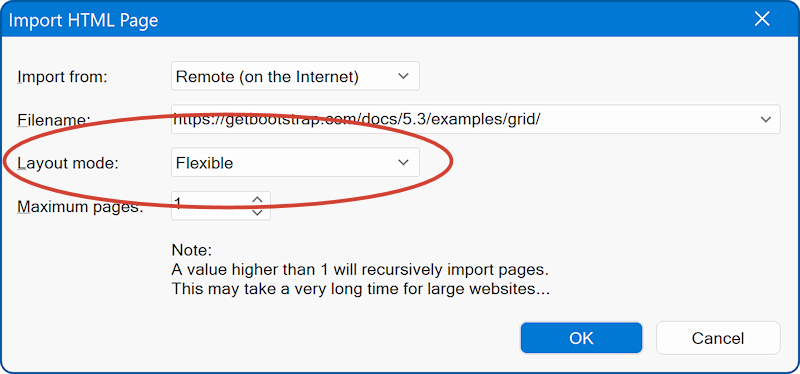
Please see the updated tutorial for more details:
https://www.wysiwygwebbuilder.com/import_html.html
Technical note: The new HTML import engine uses the same underlying technology as the AI Text-to-Website feature. Both systems analyze content and structure, then create editable Web Builder objects such as text, images, buttons, navigation menus, grids, and containers. The difference is the source of the content. With Text-to-Website, AI generates the page content and layout from a written description. With HTML Import, an existing rendered HTML page is used as the source instead. No AI is used to generate or rewrite the page content during the import process.
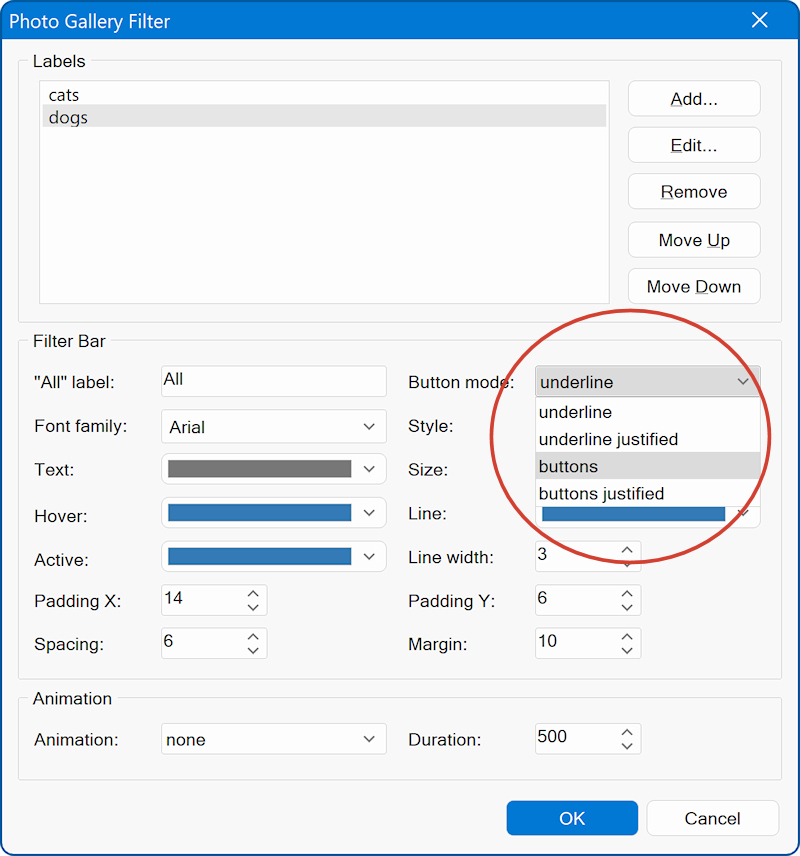
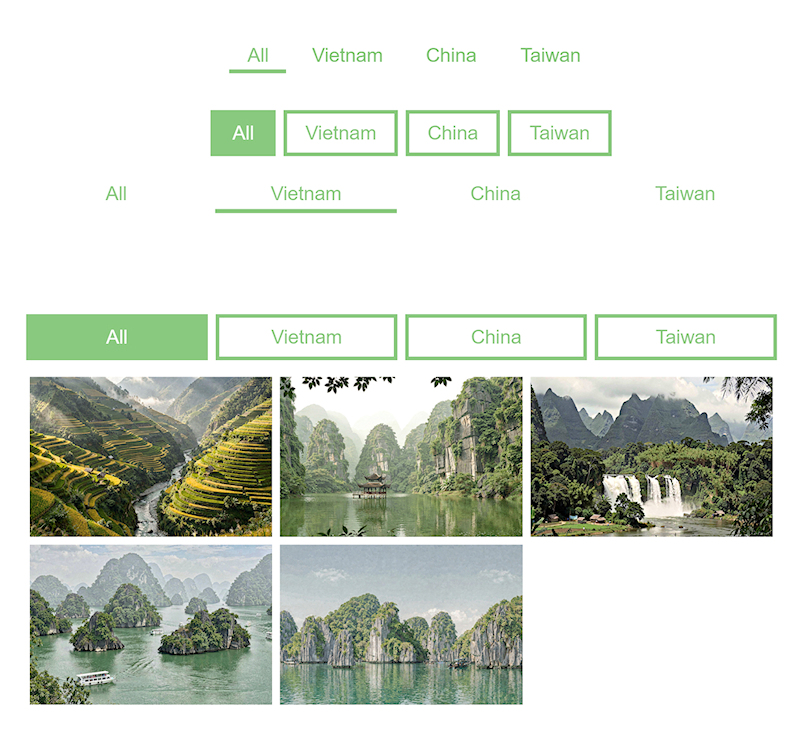
- New feature: Added 'button mode' property to filter of Photo Gallery. This make it possible to display filter button as full width item or as buttons.
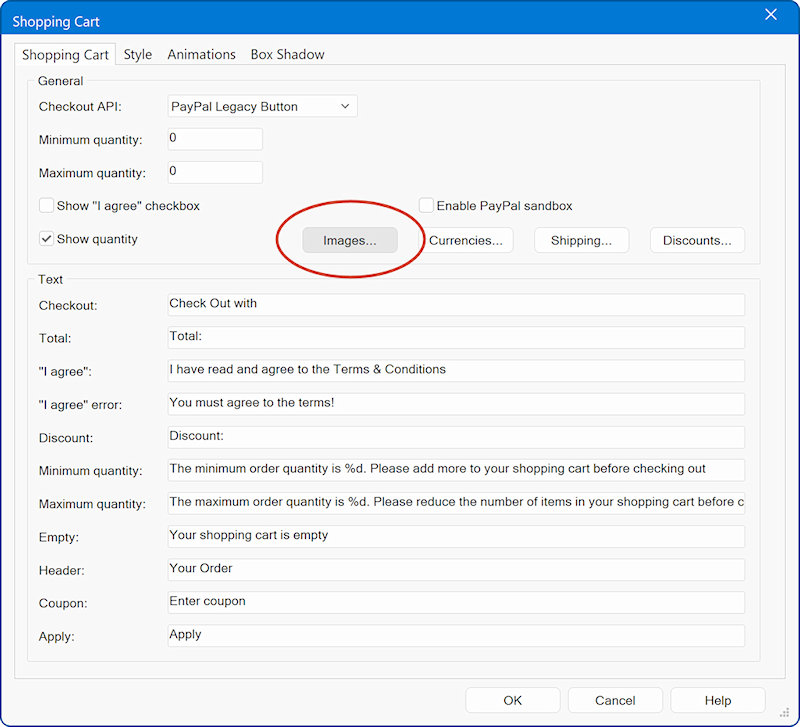
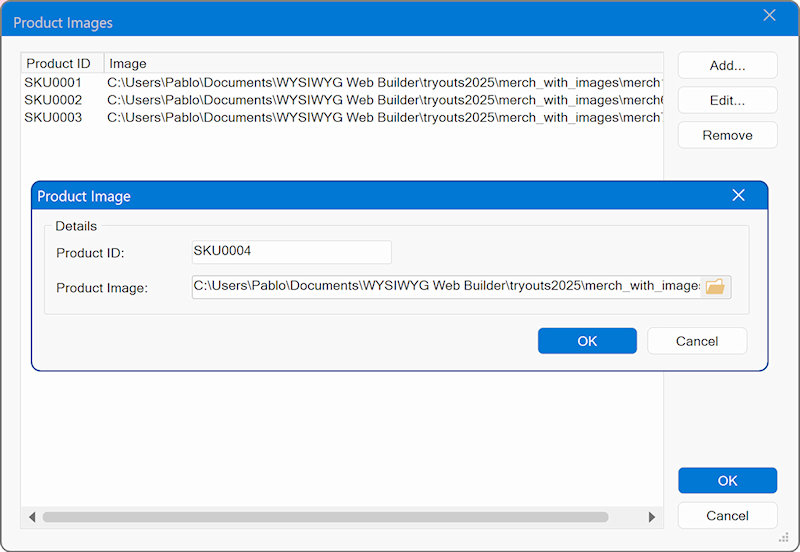
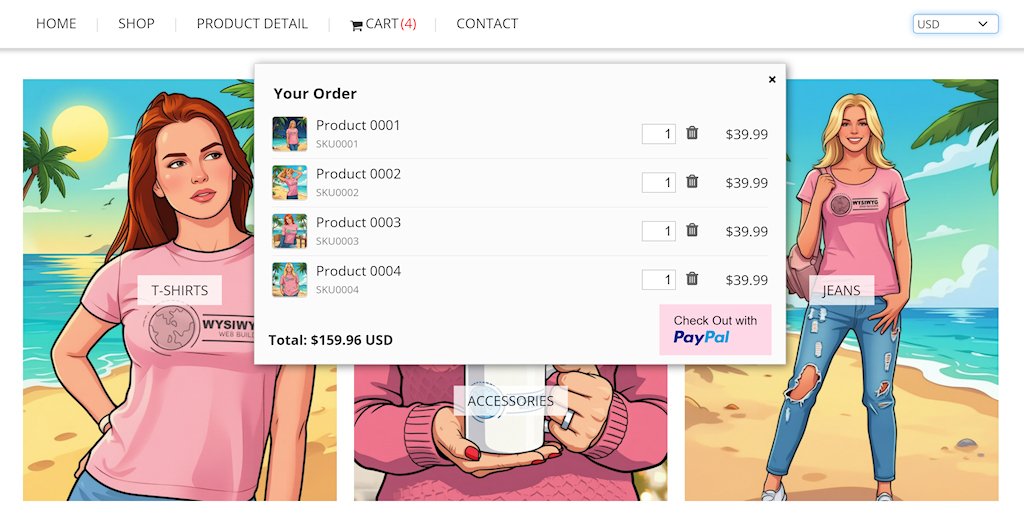
- New feature: Added the ability to add product images to the shopping cart. Via the 'Images' button you can assign images to the product ID.
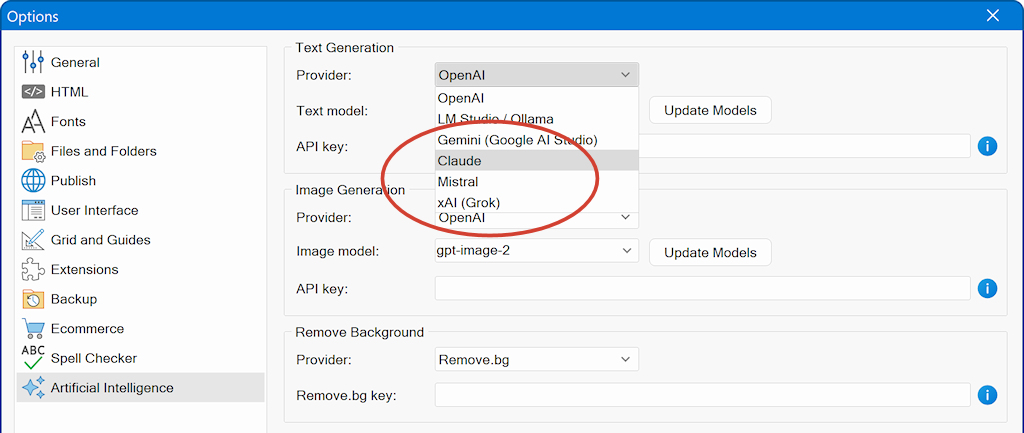
- New feature: Added support for additional AI providers: Claude, Grok and Mistral.
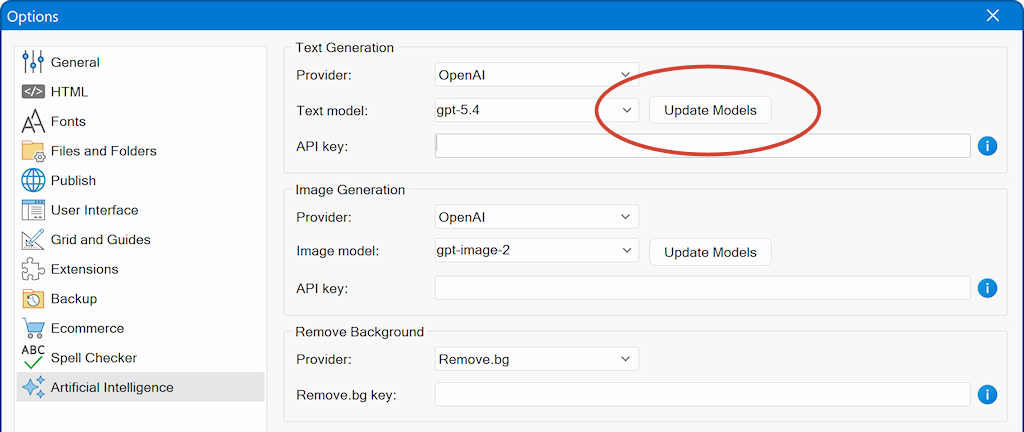
- New feature: Added the model management AI models per provider. This tool gets the most up-to-date list of models automatically from the provider.
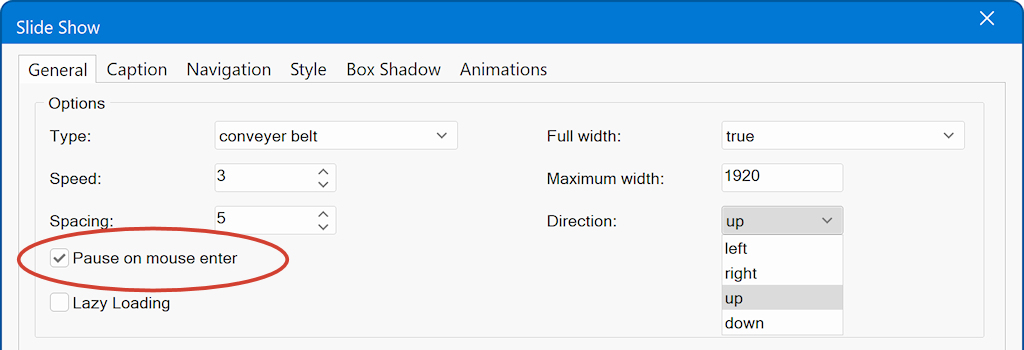
- New feature: Added support for Up and Down directions to the Conveyer Belt.
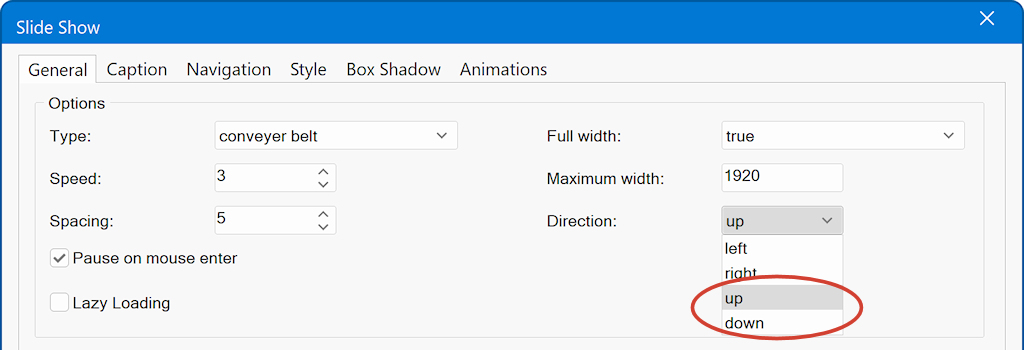
- New feature: Added a 'Pause on hover' option to the Conveyer Belt. This controls whether scrolling pauses when the mouse pointer is over the Conveyer Belt.
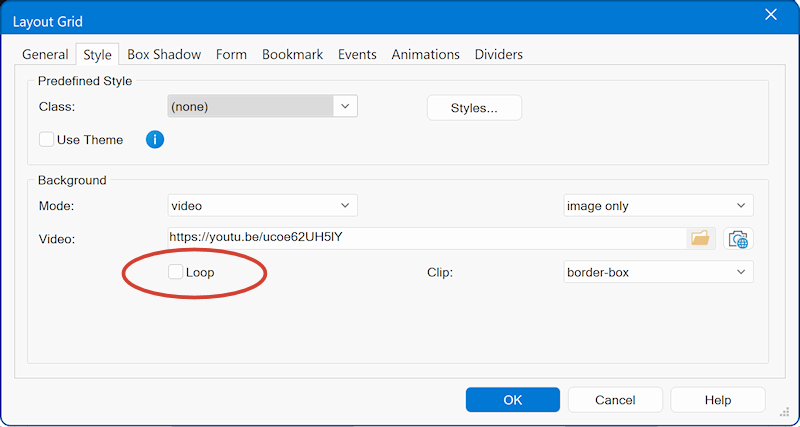
- New feature: Added a loop property for Background Video mode, allowing you to choose whether the video repeats continuously or plays once.
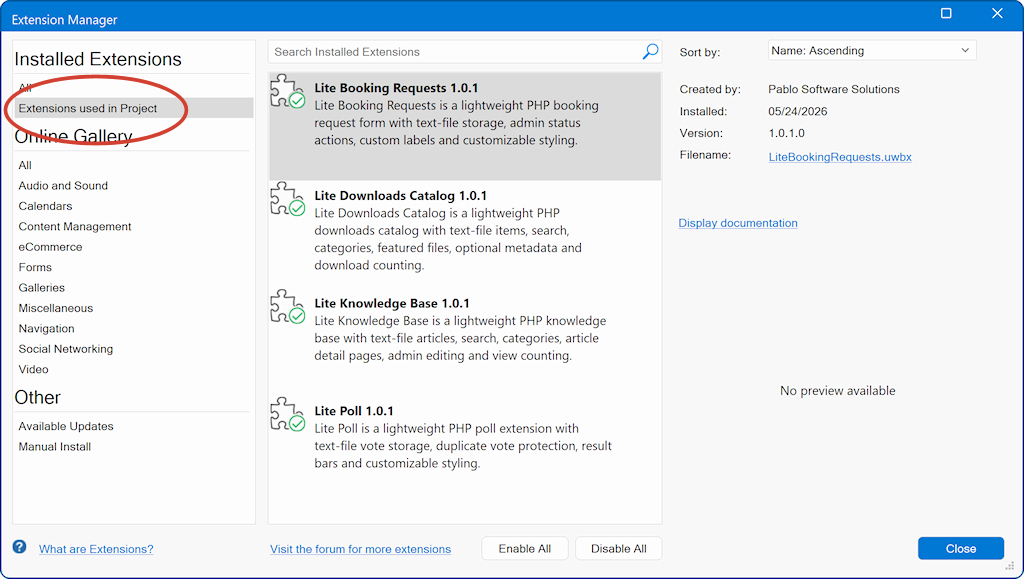
- New feature: Added 'Extensions used in project' option to Extension Manager. This displays extensions used in the current project. Note that feature was already available in the Asset Manager.
- New feature: Added 'Remove Link' to Ribbon to quickly remove the link of the selected object.

- Improved: Stripe integration has been upgraded to the newest API.
- Improved: Emojis icon picker now caches icons between sessions, so the next time you use it will be a lot faster.
- Improved: Animation Timeline window now also adapts color scheme to UI Theme.
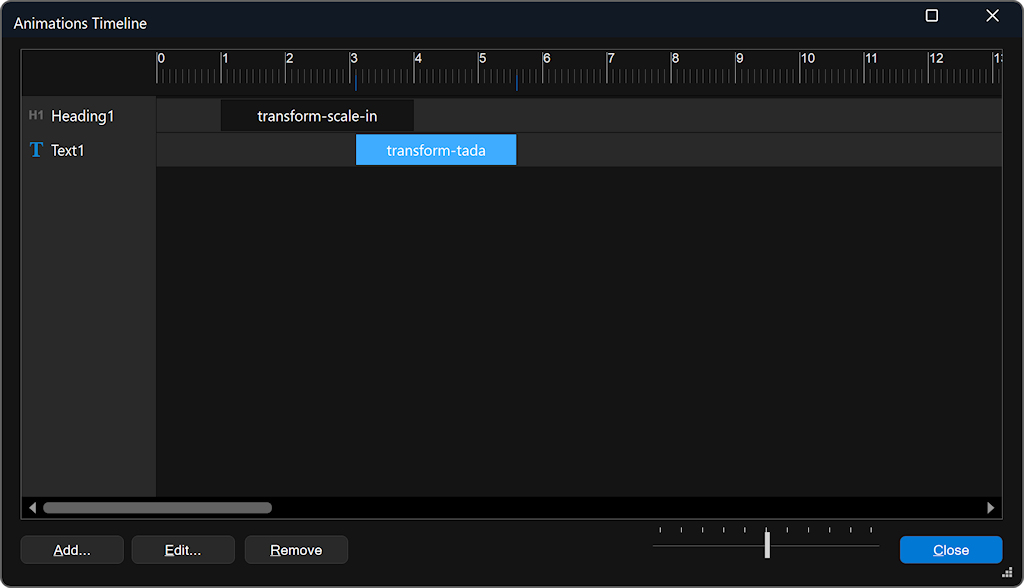
- Improved: Added support for mouse wheel scroll to the Animation Timeline. Also, if you and drag a timeline item, the window will scroll automatically.
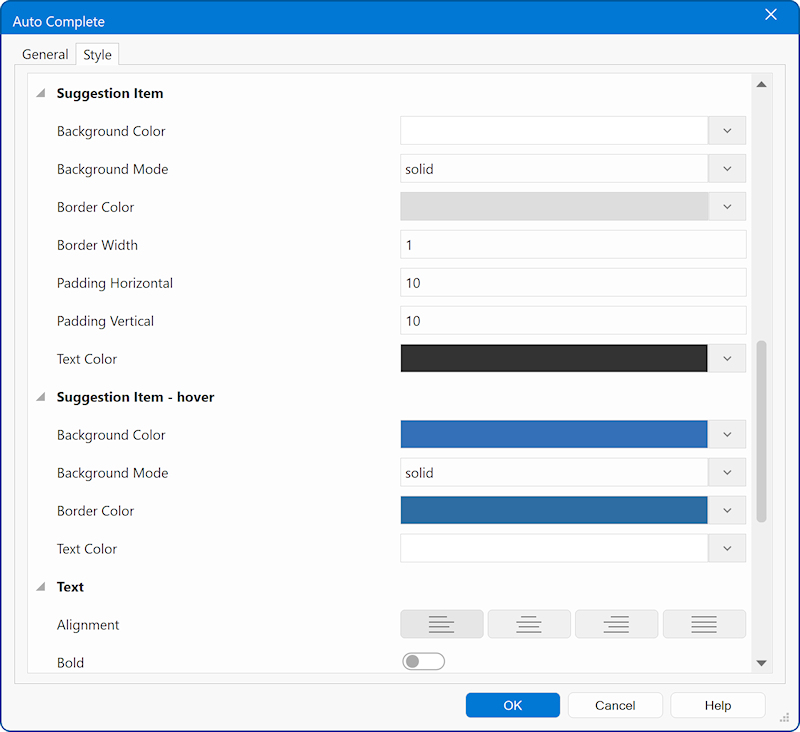
- Improved: Restructured / renamed the properties of 'Auto Complete'.
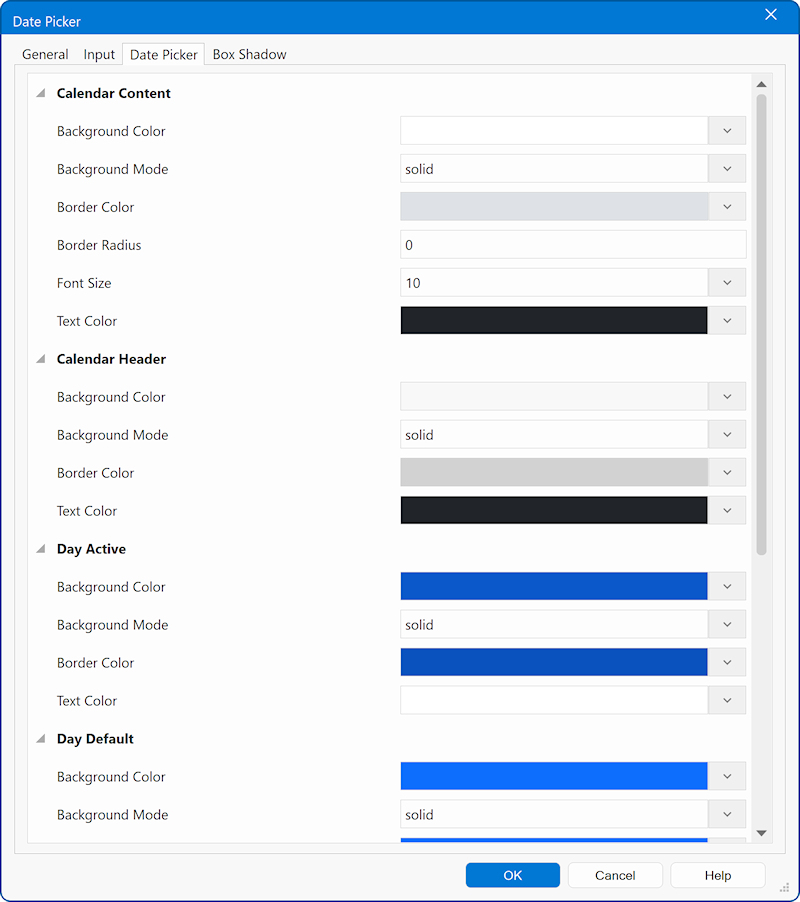
- Improved: Restructured / renamed the properties of 'Date Picker'.
- Improved: Increased the MySQL IP address field length to 50 characters to support IPv6 addresses.
- Improved: Cursor placement during text editing of (floating) text with margin.
- Improved: Property Inspector editor/dropdown placement.
- Improved: Many improvements in AI text-to-website logic, alpha values in colors, inline SVG and much more.
Note that the same logic is shared with 'HTML import'. In the upcoming months more functionality will be added.
- Fixed: Flex grid position property resets after loading project.
- Fixed: Shopping Cart checkout button ignores border settings.
- Fixed: Issue with table text rendering in compatibility mode.
How to update from previous 21.x versions?
1. Download the latest version here:
https://www.wysiwygwebbuilder.com/download.html
2. If you already have version 21.x you can install it in the same location as the previous version.
Advanced users only
You also download the updated files only here (64bit - no installer):
https://www.wysiwygwebbuilder.com/wb21x64update.zip