
While we are putting the finishing touches on the upcoming release, we wanted to give you a sneak peek at some of the new features and improvements you can look forward to.
New: Visual Edit Mode for Flex Grid
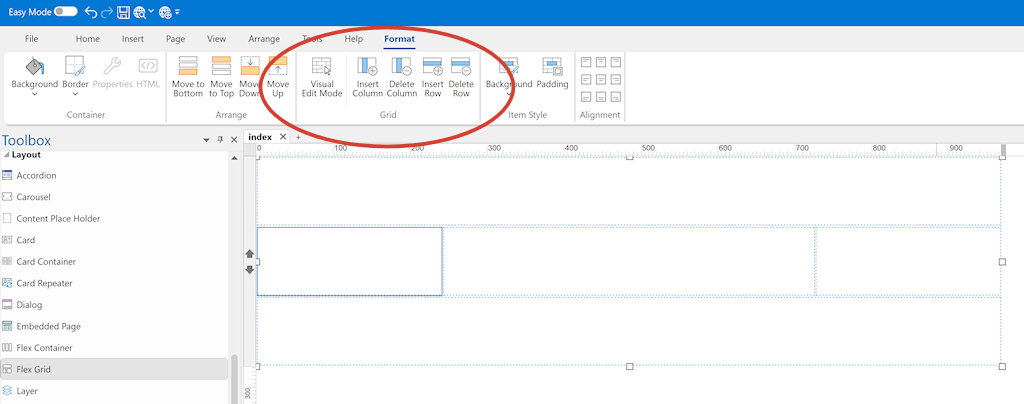
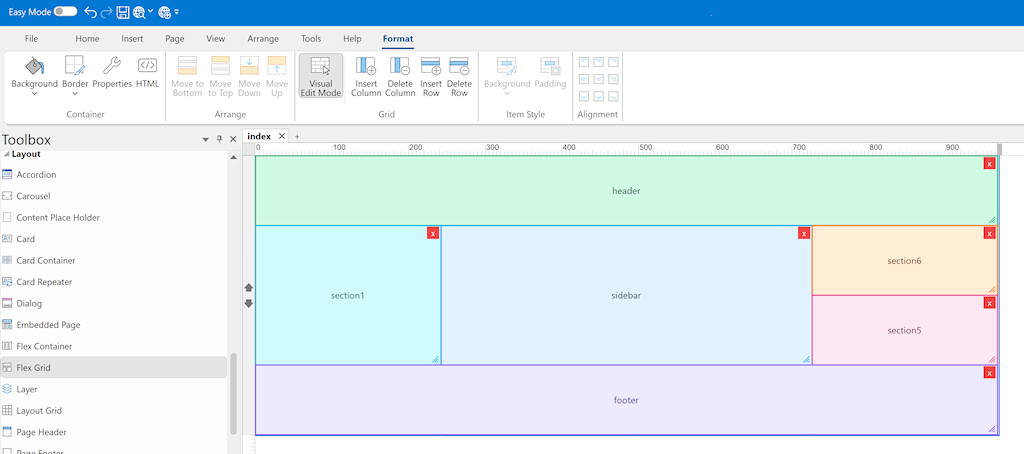
Flex Grid layouts can now be edited directly on the workspace. Select a Flex Grid and choose Visual Edit Mode from the Ribbon or menu to switch to the new interactive Grid Edit Mode.
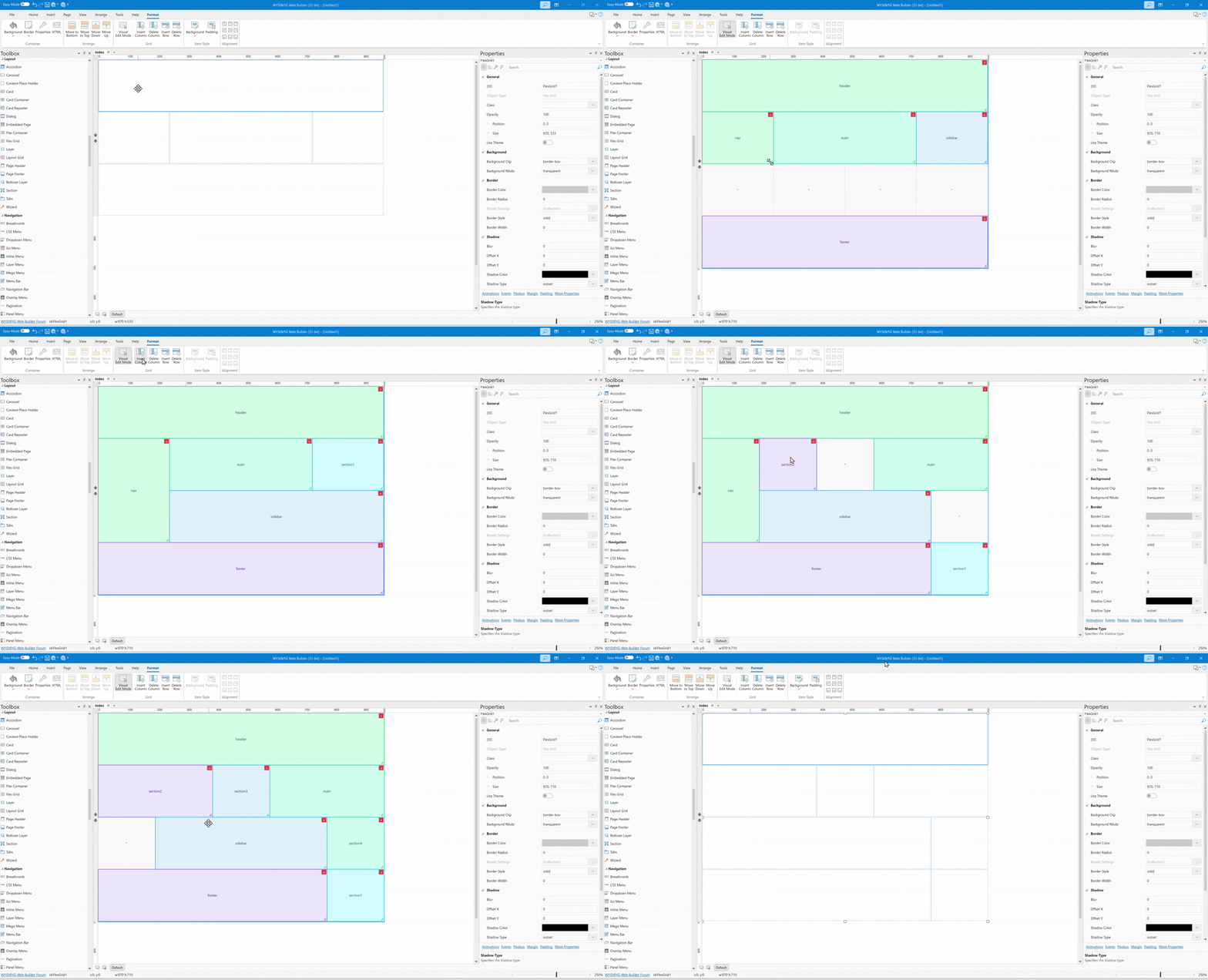
In Visual Edit Mode, you can create new sections by clicking and dragging across empty cells. Existing sections can be moved by dragging them to a new position, resized from the bottom-right corner, or removed using the delete button shown on the section. Changes are automatically saved back to the grid template when you leave edit mode.
Columns can now be added or removed directly from the Ribbon, making layout adjustments faster and more convenient.
New: Import HTML for Flexible Layouts
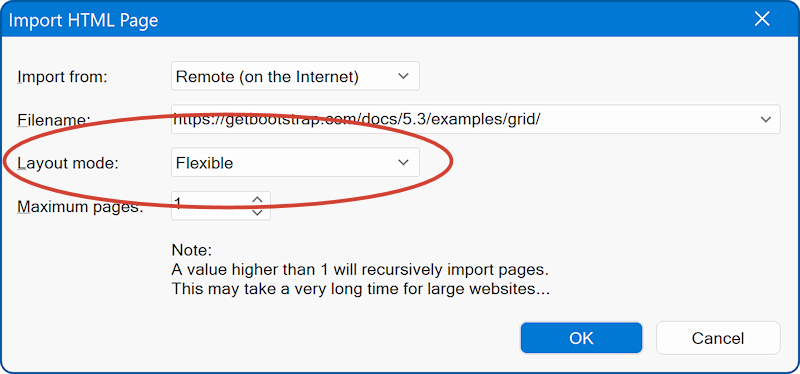
A new Import HTML option has been added for Flexible Layouts. This makes it possible to convert imported pages into responsive layout grids where possible.
The HTML importer has also been significantly improved with a new import engine, better support for modern CSS, Bootstrap-style layouts, cards, media, SVG images, forms, navigation, and multi-page imports. Absolute Layout import has also been enhanced for more accurate positioning, styling, images, and backgrounds.
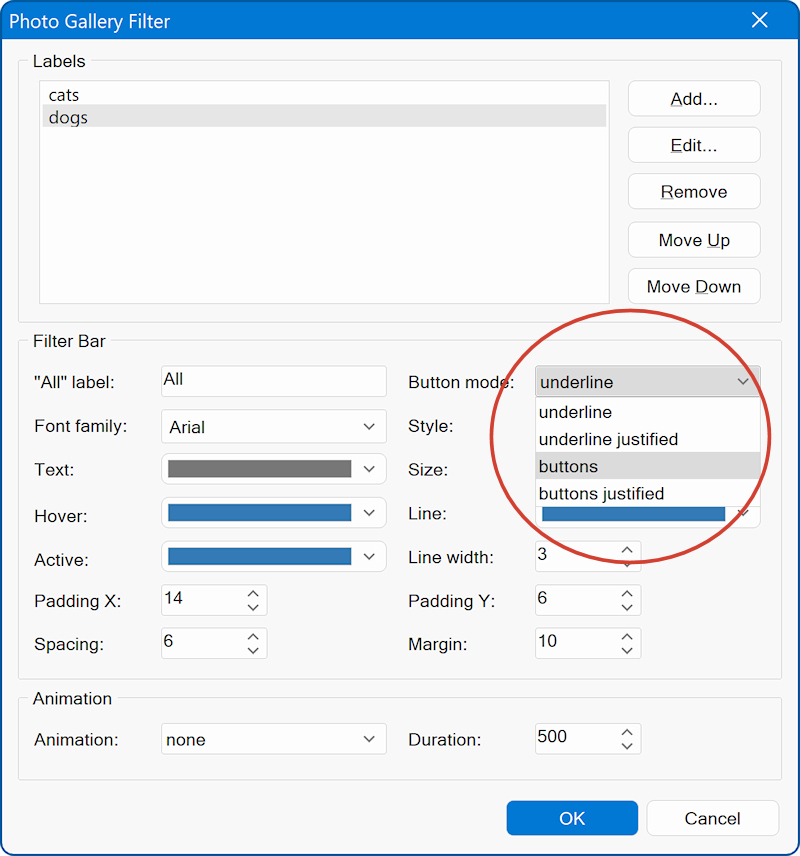
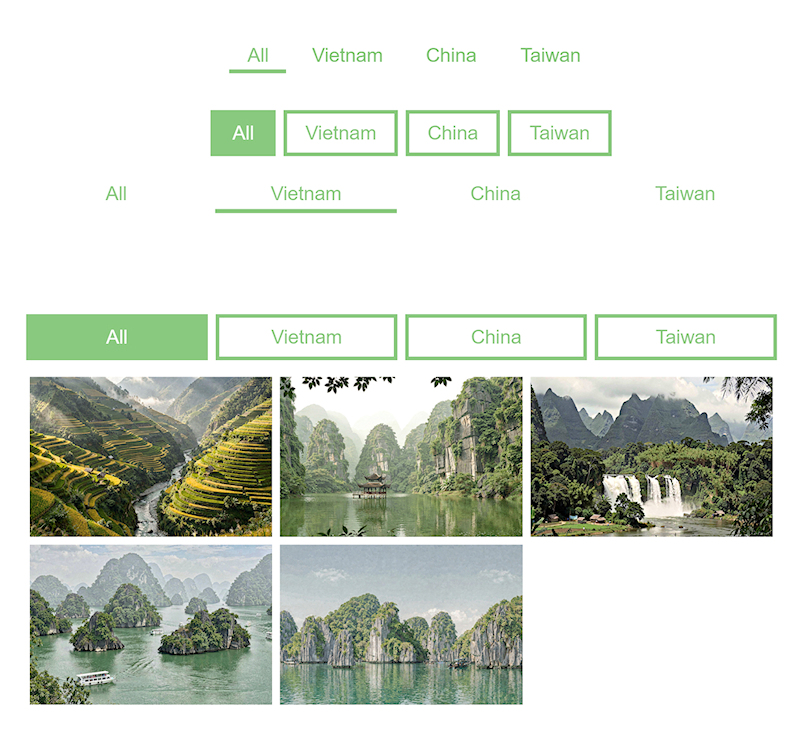
New: Photo Gallery filter button mode
The Photo Gallery filter now includes a new Button Mode property. This makes it possible to display filter buttons as full-width items or as regular buttons.
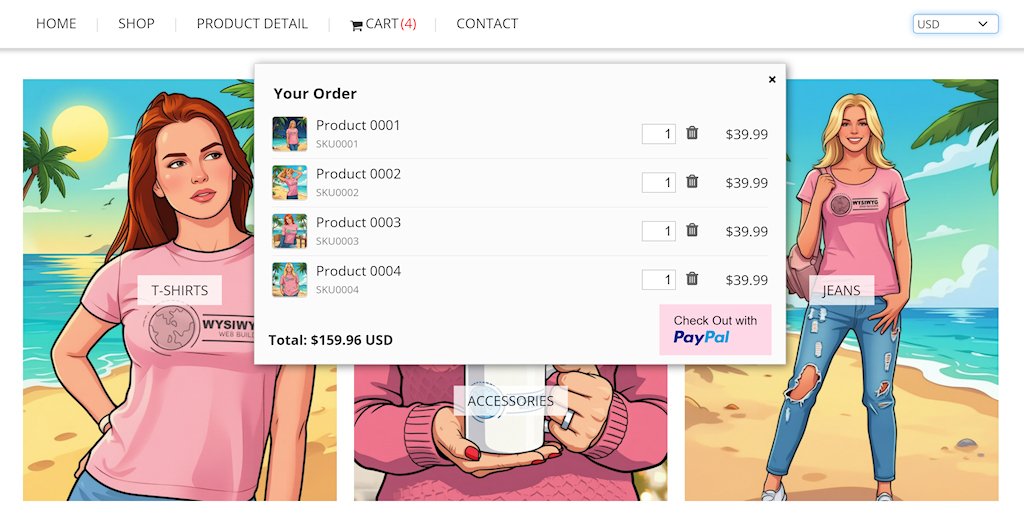
New: Product images in the shopping cart
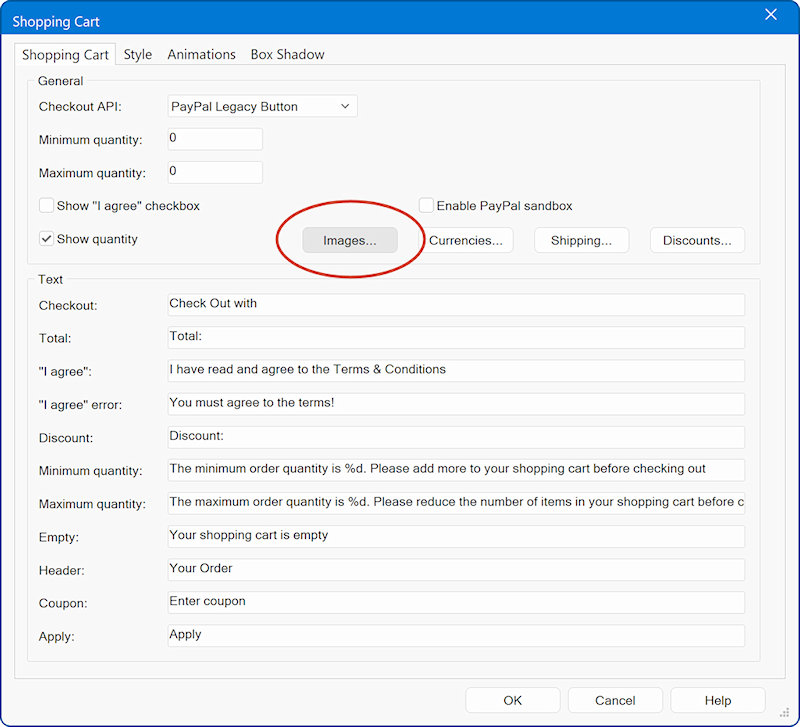
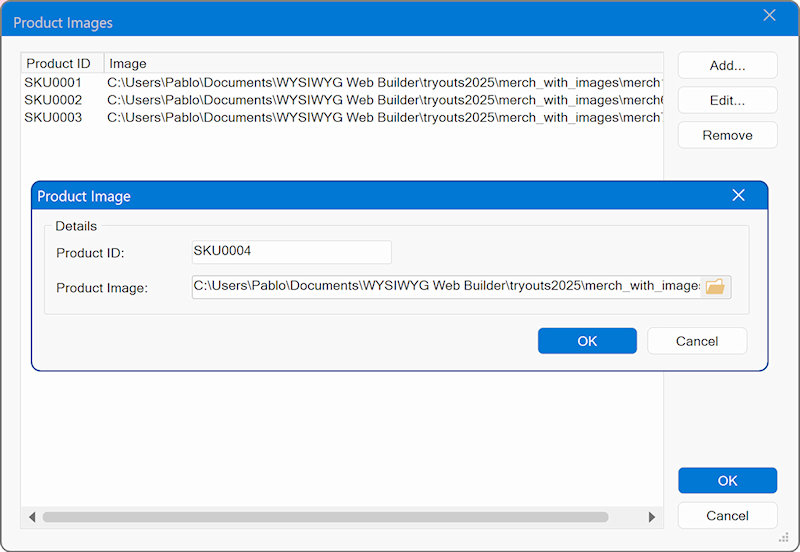
Shopping cart products can now include product images. Use the Images button to assign images to a product ID.
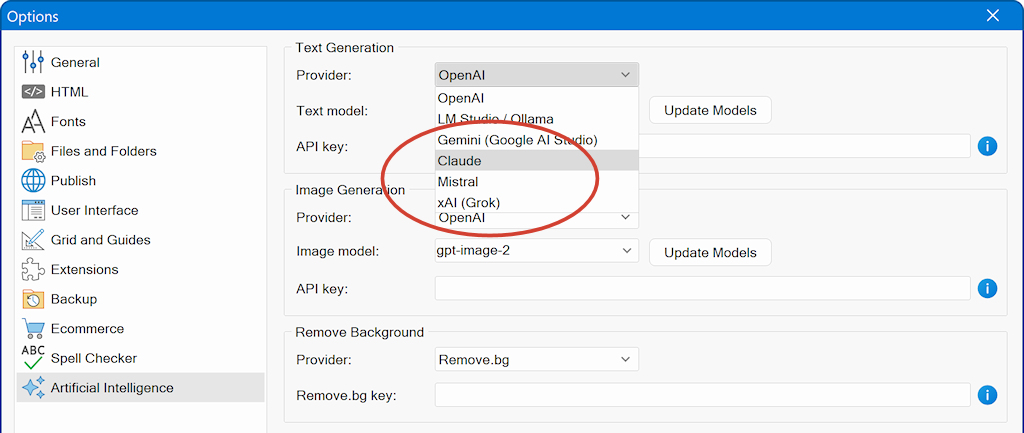
New: Additional AI providers
Support has been added for more AI providers, including Claude, Grok, and Mistral.
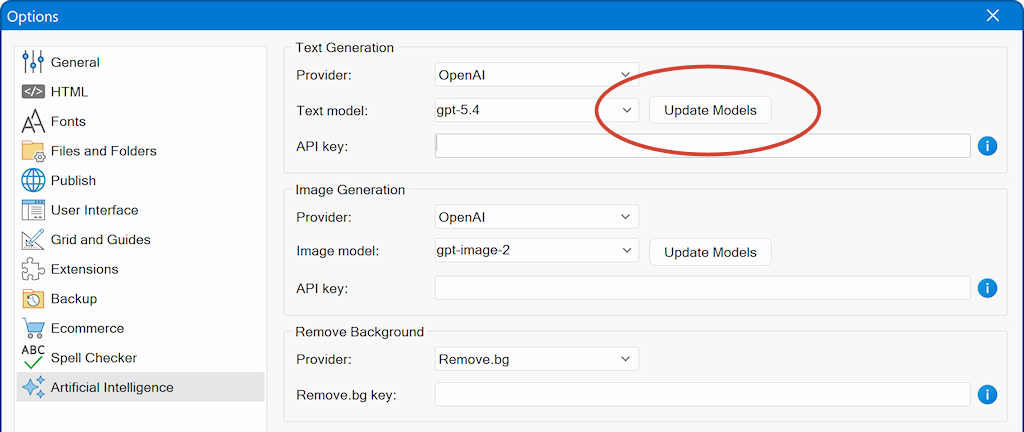
New: Added the model management AI models per provider
This tool gets the most up-to-date list of models automatically from the provider.
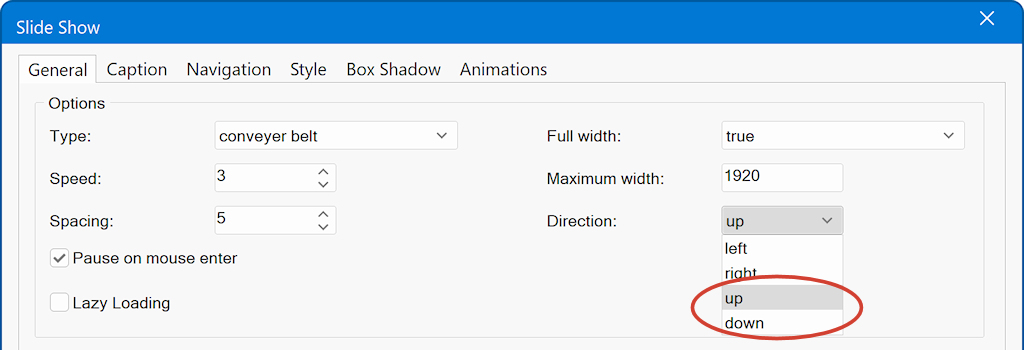
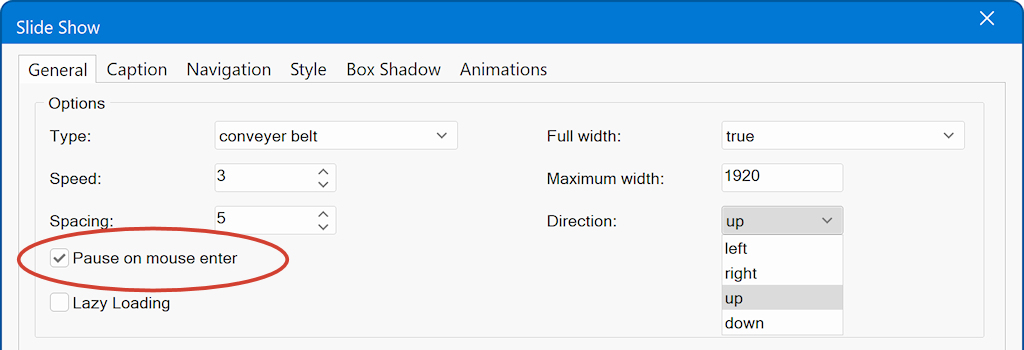
New: Additional Conveyor Belt directions
The Conveyor Belt now supports Up and Down directions.
New: Pause on hover for Conveyor Belt
A new Pause on hover option controls whether scrolling pauses when the mouse pointer is over the Conveyor Belt.
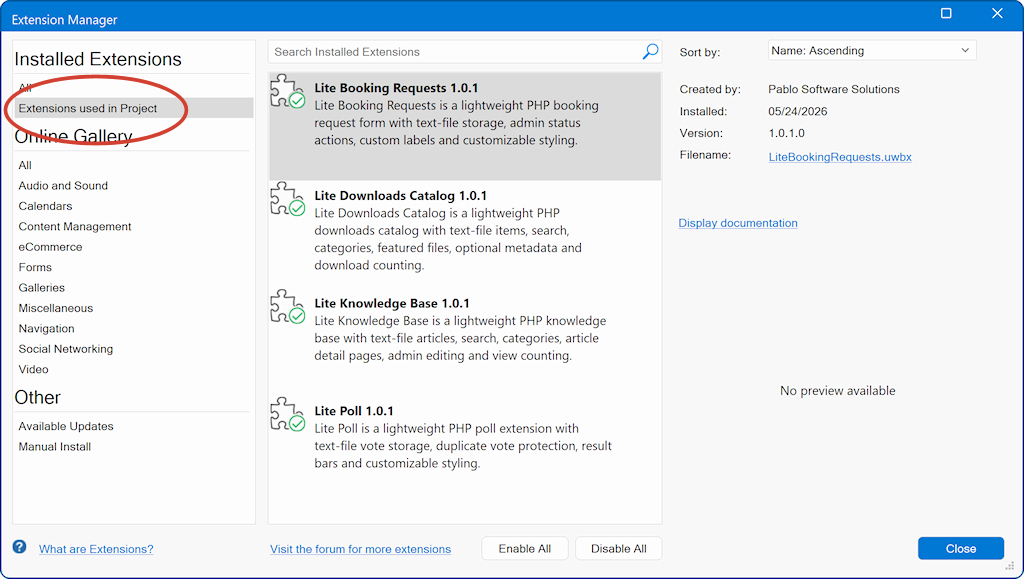
New: Extensions used in project
The Extension Manager now includes an Extensions used in project option, which displays the extensions used in the current project.
New: Remove Link
A new Remove Link command makes it easy to quickly remove the link from the selected object.

Improved: Stripe integration
Stripe integration has been upgraded to the latest API.
…and more!
This major update is planned for release next week and will be available as a free update for all users of WYSIWYG Web Builder 21.