
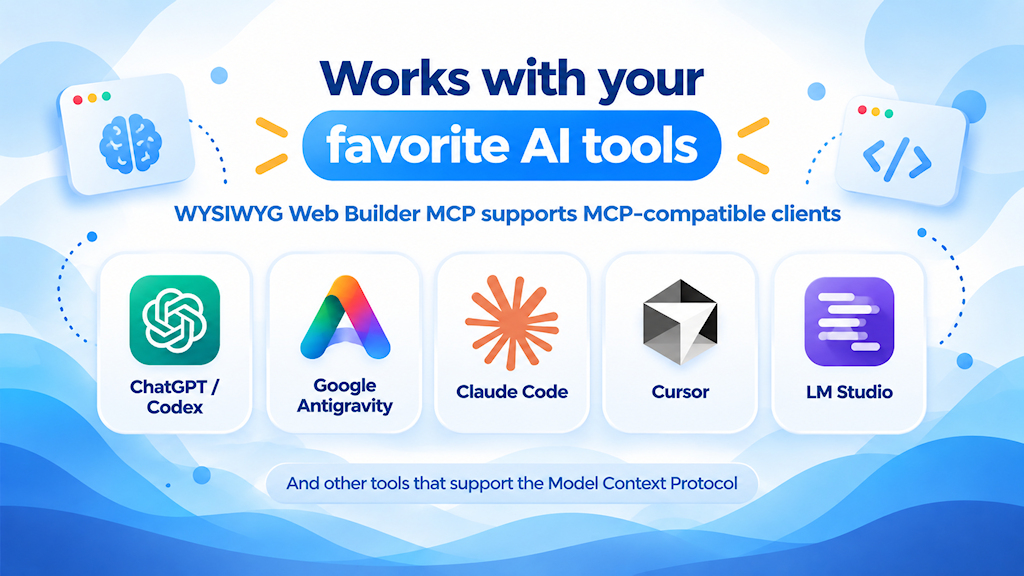
MCP connects your favorite AI agent directly to WYSIWYG Web Builder, including tools such as ChatGPT/Codex, Google Antigravity, Claude Code, LM Studio and others. If your existing AI subscription includes MCP support, there will generally be no separate API costs.
Once connected, the AI agent can work with the actual structure of your website. It can understand your pages, objects, properties and content, and make changes through a simple chat conversation, while you can continue working on the same project visually in WYSIWYG Web Builder as usual.
It can also help find problems, explain features, suggest improvements and discover functionality you may not have used before.
Here are just a few examples of what you can do:
- Create complete websites with pages, navigation, forms, images and responsive layouts.
- Create new pages based on the style and content of existing pages.
- Edit, extend, modernize and optimize existing websites while reusing their content and images.
- Convert fixed layouts to flexible layouts — or flexible layouts to fixed/absolute positioning.
- Add and configure responsive breakpoints for desktop, tablet and mobile.
- Build advanced layouts using grids, flex containers, cards, sections, overlaps and animations.
- Give objects clear and consistent IDs and apply project-wide styles.
- Add and configure menus, galleries, slideshows, forms, ecommerce features and protected pages.
- Build advanced forms with validation, conditions, events, calculations and custom logic.
- Review pages for SEO, accessibility, responsiveness and usability issues.
- Generate page titles, descriptions, canonical URLs, Open Graph metadata and meaningful image alt text.
- Add custom HTML, CSS and JavaScript where needed.
- Detect conflicting settings and potentially incorrect configurations.
- Experiment with entirely new layouts and visual ideas simply by describing what you want.
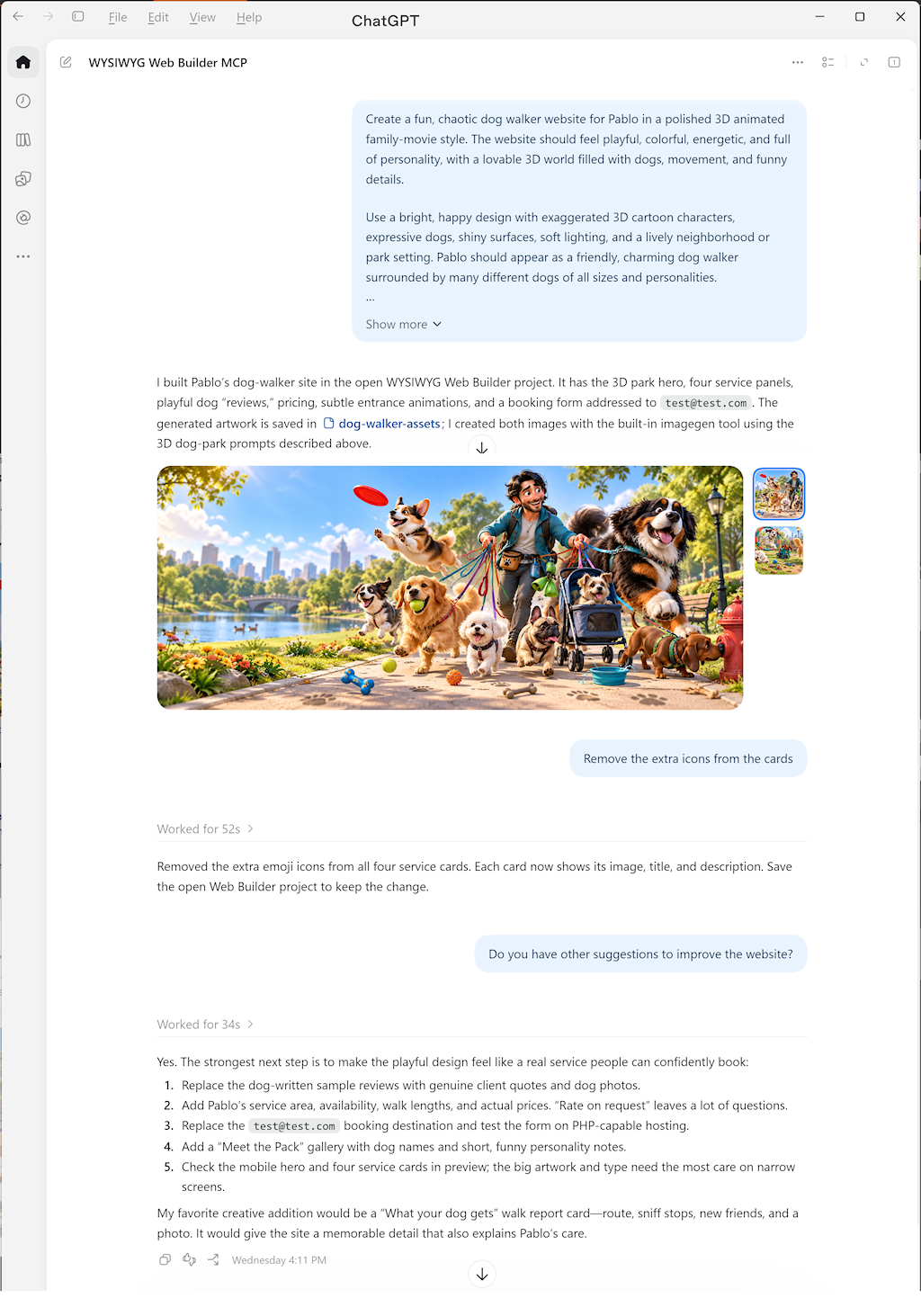
The examples below were created entirely through ChatGPT and Google Antigravity using MCP, without any manual adjustments:
https://www.wysiwygwebbuilder.com/support/wb21tryouts/wb21_dogwalking.html
https://www.wysiwygwebbuilder.com/support/wb21tryouts/wb21_morn.html
https://www.wysiwygwebbuilder.com/support/wb21tryouts/wb21_portfolio_bw.html
https://www.wysiwygwebbuilder.com/support/wb21tryouts/wb21_japantours.html
https://wysiwygwebbuilder.com/support/wwb-os/index.html
https://wysiwygwebbuilder.com/support/wwb-os/macos.html
More examples and screen-recorded demonstrations will be added later this week.
This is only a small preview of what will be possible…
MCP support will be a free update for all WYSIWYG Web Builder 21 users.